
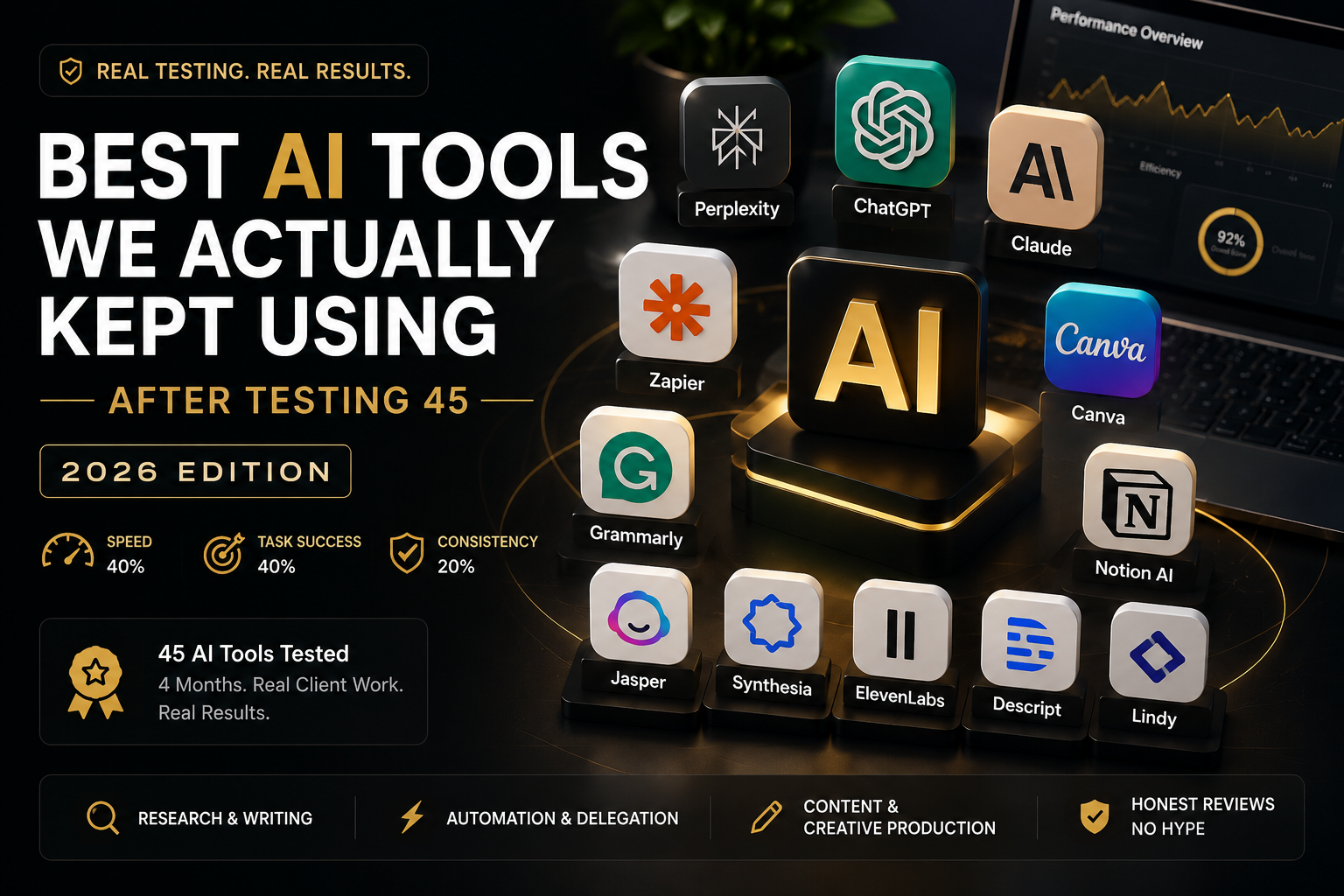
Finding the best artificial intelligence app isn’t easy because hundreds of AI apps promise better productivity, faster content creation, and smarter automation. We spent four months testing 45 AI tools in real client projects instead of vendor demonstrations to identify the 12 AI apps that consistently delivered the best results in 2026.
As a result, every recommendation comes from practical experience rather than short demo sessions.
Moreover, we tested every platform under real deadlines, real budgets, and real business requirements.
Next, we scored every tool using the same evaluation process.
Our evaluation focused on speed (40%), task success (40%), and long-term consistency (20%) to ensure every recommendation reflected real-world performance instead of marketing claims.
Therefore, every review below explains what worked, what failed, and whether the subscription justified its price.
Here’s how we tested each AI app.
Best Artificial Intelligence App for Research & Writing
1. Perplexity AI – Best Artificial Intelligence App for Research
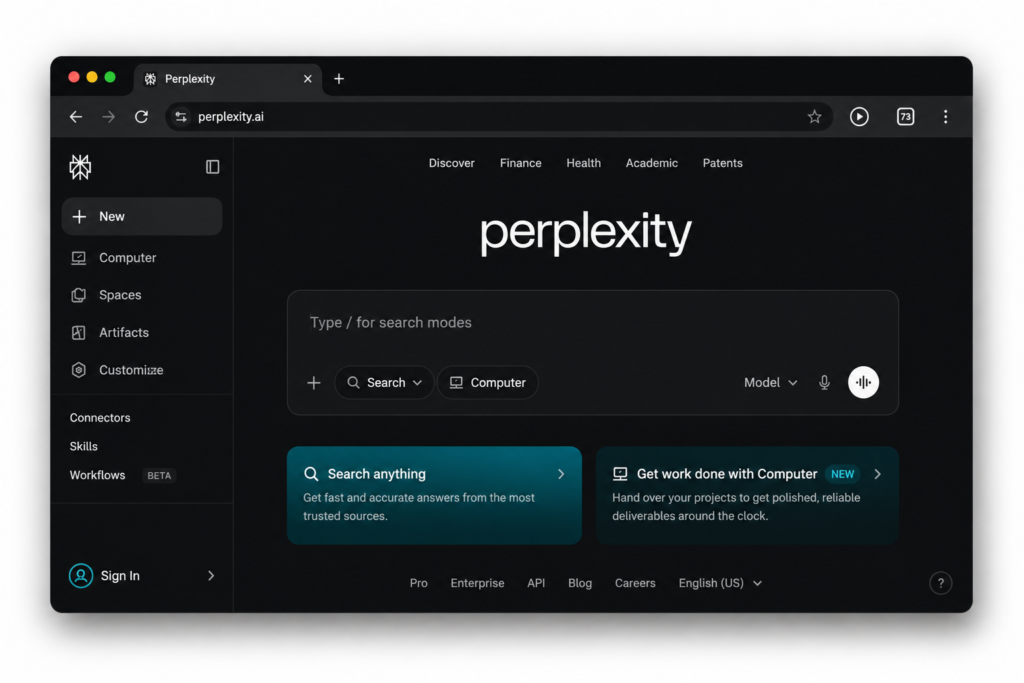
Need quick answers instead of endless search results? Perplexity delivers cited responses within seconds.
Instead of opening ten blue links, you get one organized answer with source references. Therefore, marketers and bloggers can complete research much faster.
If you’re also building an SEO workflow, check out our guide on Best SEO Tools for Bloggers in 2026.
What we found: it’s faster for cited research than Googling it yourself. The catch: free-tier deep search got throttled hard after a handful of back-to-back queries on a heavy research day. One citation was accurate when indexed but stale by the time we checked it. Good tool — don’t make it your only research tab.
- Best for: Founders who want a fast, sourced answer.
- Tech friction: 1/10
- Breakdown score: Speed 9 · Task success 7 · Consistency 6 → 8/10
- Lowest paid plan: Pro — $20/month
Official Website: Perplexity AI
2. ChatGPT – Best Artificial Intelligence App for Content Creation
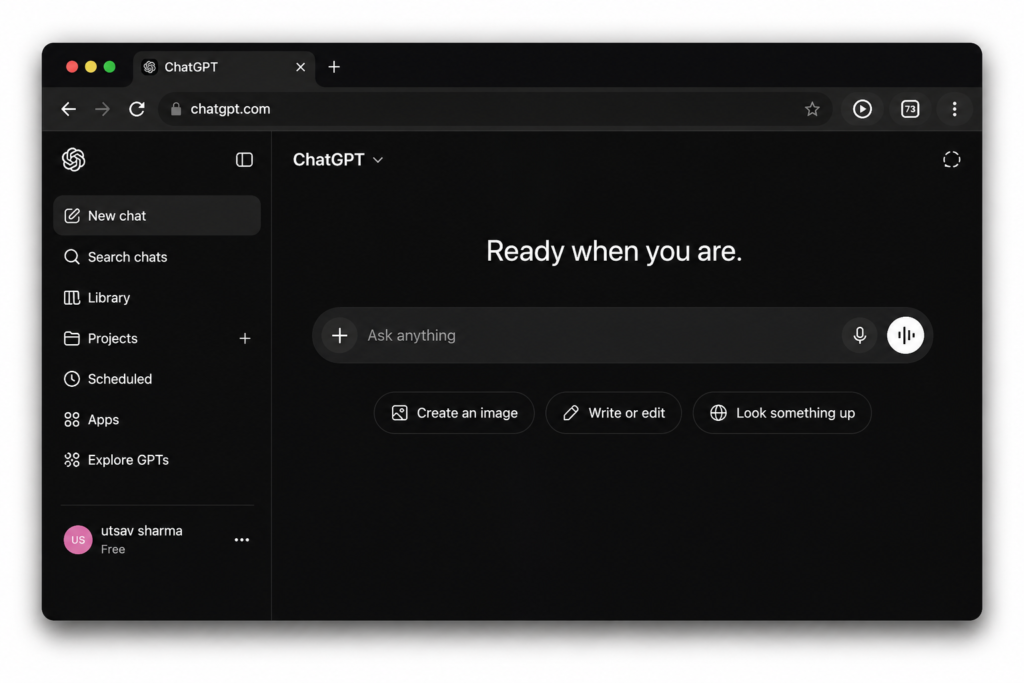
If your bottleneck is producing more content without hiring anyone new, ChatGPT doesn’t run out of gas. Nothing touched it for day-to-day volume — we stayed active well past a hundred messages in a few hours. Voice mode felt like a real step ahead of every competitor.
Want to use ChatGPT to earn online? Read our Best AI Tools to Make Money Online in 2026 guide.
The trade-off: it still slips into stock phrasing (“delve into,” “moreover”). We edited almost every long output before publishing.
- Best for: Solo founders needing a high-volume, do-everything assistant.
- Tech friction: 2/10
- Breakdown score: Speed 10 · Task success 7 · Consistency 9 → 9/10
- Lowest paid plan: Plus — $20/month
Official Website: ChatGPT
3. Claude AI – Best Artificial Intelligence App for Long-Form Writing
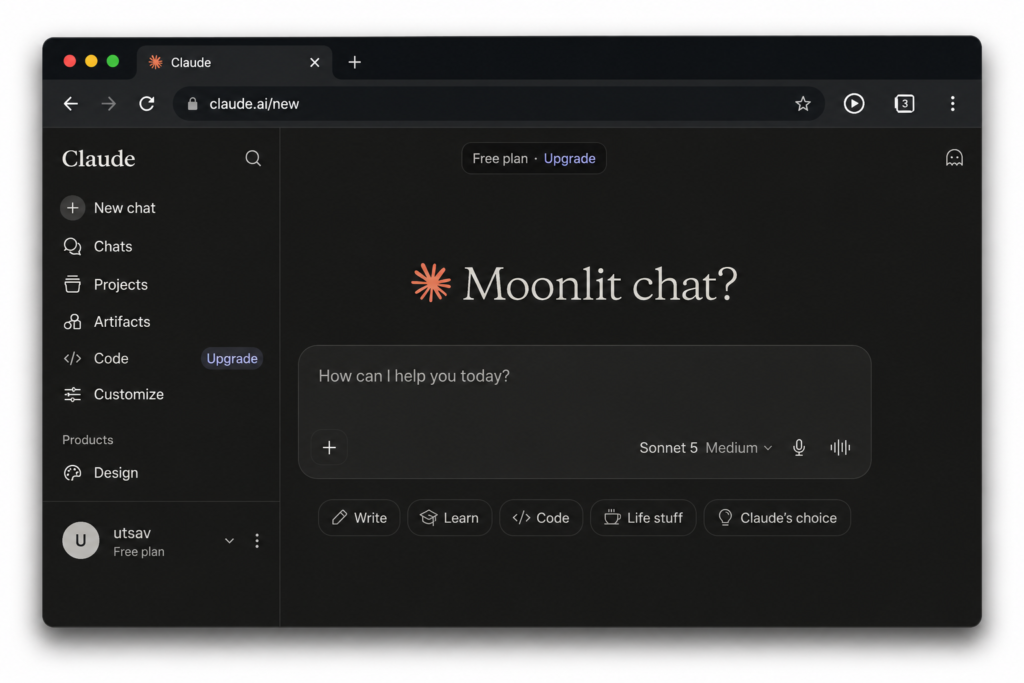
For long-form work — strategy docs, contracts, an 80-page report — Claude is the one we reached for. It handled a dense internal document without losing track of earlier sections, and writing quality needed the least editing of anything tested. It did stumble once, merging two similar clauses on a nested cross-reference — proof it’s not infallible.
The real limit is volume: you’ll hit a usage cap well before a ChatGPT user would.
- Best for: Teams writing long documents that need a non-robotic tone.
- Tech friction: 2/10
- Breakdown score: Speed 6 · Task success 10 · Consistency 8 → 9/10
- Lowest paid plan: Pro — $20/month
Official Website: Claude AI
4. Grammarly – Best Artificial Intelligence App for Grammar & Editing
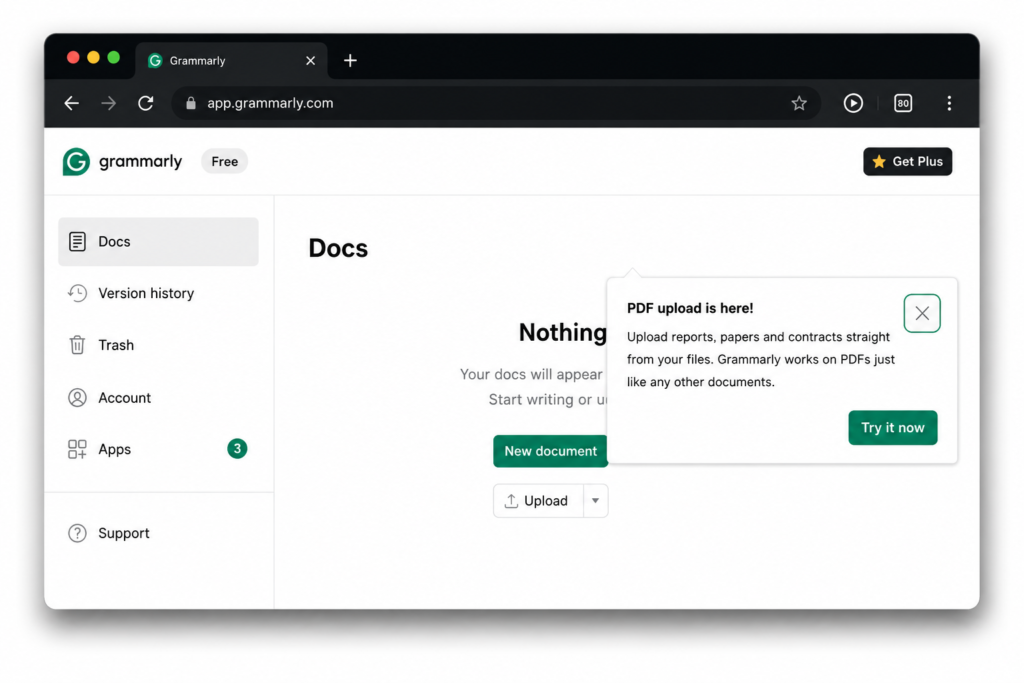
Grammarly’s job is making sure your writing doesn’t include a typo. It never missed an actual mistake in testing. But leave its default settings running loose, and it flattens your voice — flagging every adverb until your writing reads like a compliance memo. For tone and style, we got better suggestions just pasting the paragraph into Claude.
- Best for: Anyone who wants zero typos without overthinking it.
- Tech friction: 1/10
- Breakdown score: Speed 8 · Task success 5 · Consistency 9 → 7/10
- Lowest paid plan: Pro — $12/month
Our honest take on ChatGPT vs. Claude: pick ChatGPT for research speed and message volume. Pick Claude for writing that needs to sound human, if you can live with a lower daily cap.
Best Artificial Intelligence App for Automation
5. Zapier – Best Artificial Intelligence App for Automation
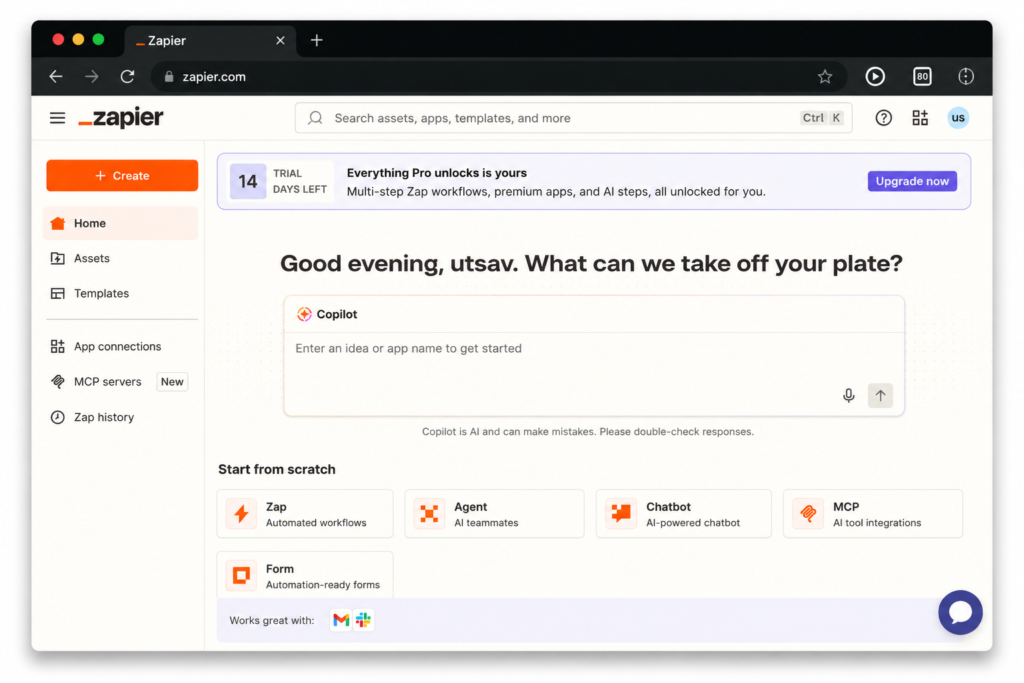
If a lead still needs a human to copy it from one app to another by hand, Zapier closes that gap. Setup was fast — a lead form pushing into Sheets and Slack in under five minutes. Then the bill for month two arrived higher than expected: multi-step automations burn through your task quota far faster than the pricing page implies.
- Best for: Businesses juggling several tools that need to sync.
- Tech friction: 5/10
- Breakdown score: Speed 10 · Task success 8 · Consistency 6 → 9/10
- Lowest paid plan: Starter — $24.99/month
6. Notion AI – Best Artificial Intelligence App for Productivity
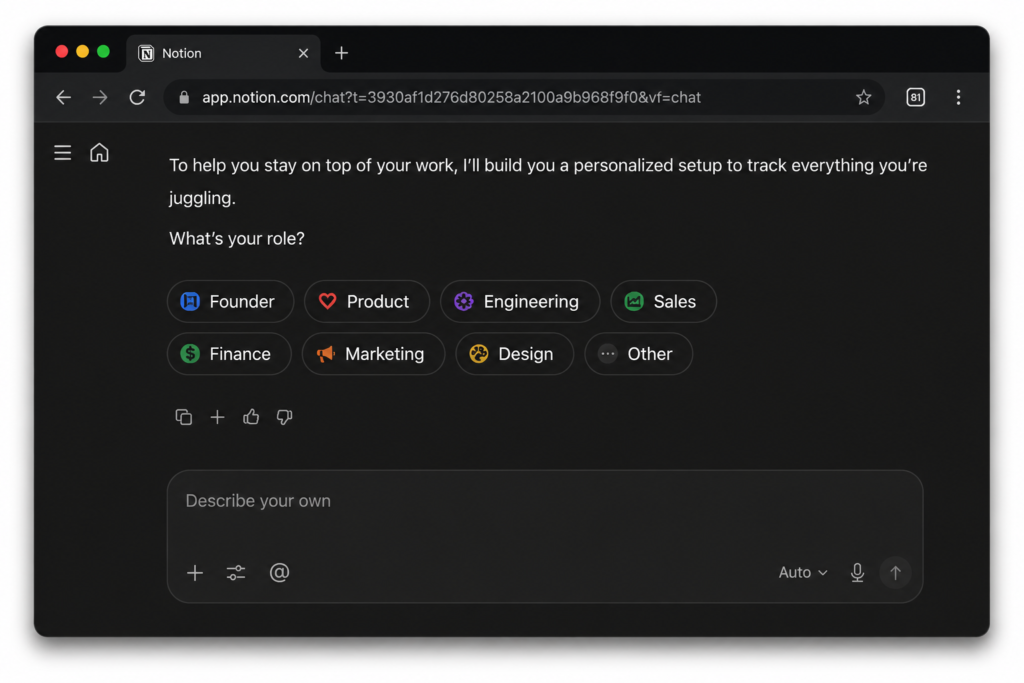
Notion AI keeps scattered notes and unfinished ideas inside one workspace.
Moreover, it summarizes meeting notes and formats tables automatically.
You can also draft articles without leaving your workspace. However, dedicated writing tools still produce better long-form content.
- Best for: Teams already living in Notion.
- Tech friction: 2/10
- Breakdown score: Speed 9 · Task success 5 · Consistency 7 → 7/10
- Lowest paid plan: Plus — $10/month per seat
7. Lindy AI – Best Artificial Intelligence App for AI Assistants
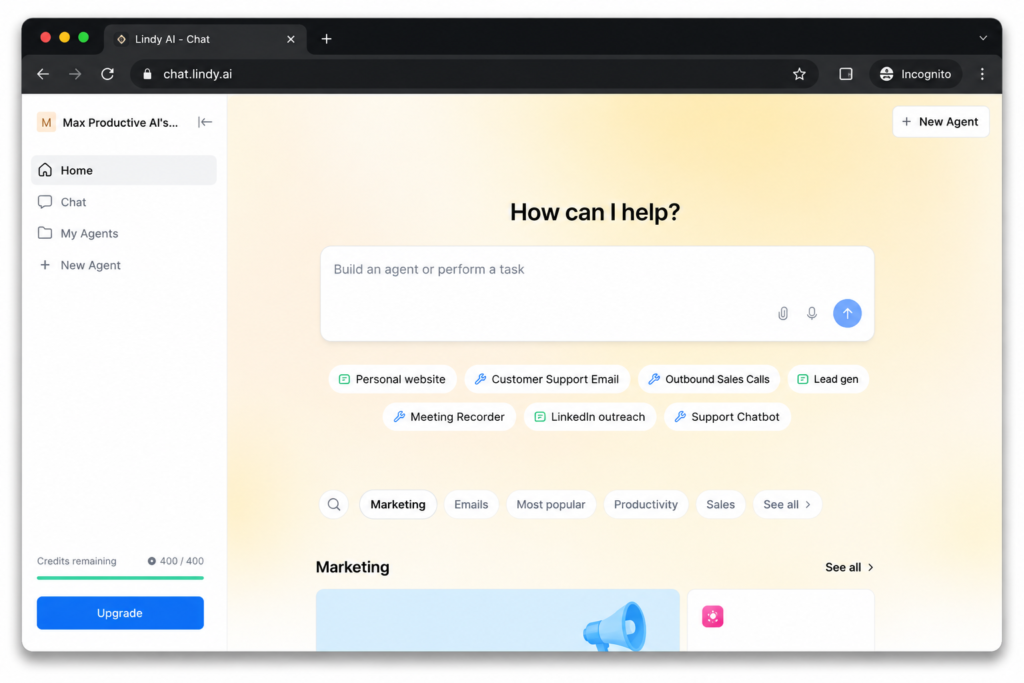
Lindy’s pitch is an AI agent handling inbox triage and calendar scheduling. Over one test week, it booked four discovery calls on its own — the most useful result of anything automation-related we tried. The rough edge: a sudden spike in email volume can pause the agent mid-week with no warning.
- Best for: Busy founders who want email and scheduling handled hands-off.
- Tech friction: 4/10
- Breakdown score: Speed 8 · Task success 9 · Consistency 6 → 8/10
- Lowest paid plan: Plus — $49.99/month
Best Artificial Intelligence App for Content Creation
8. Jasper AI – Best Artificial Intelligence App for Copywriting
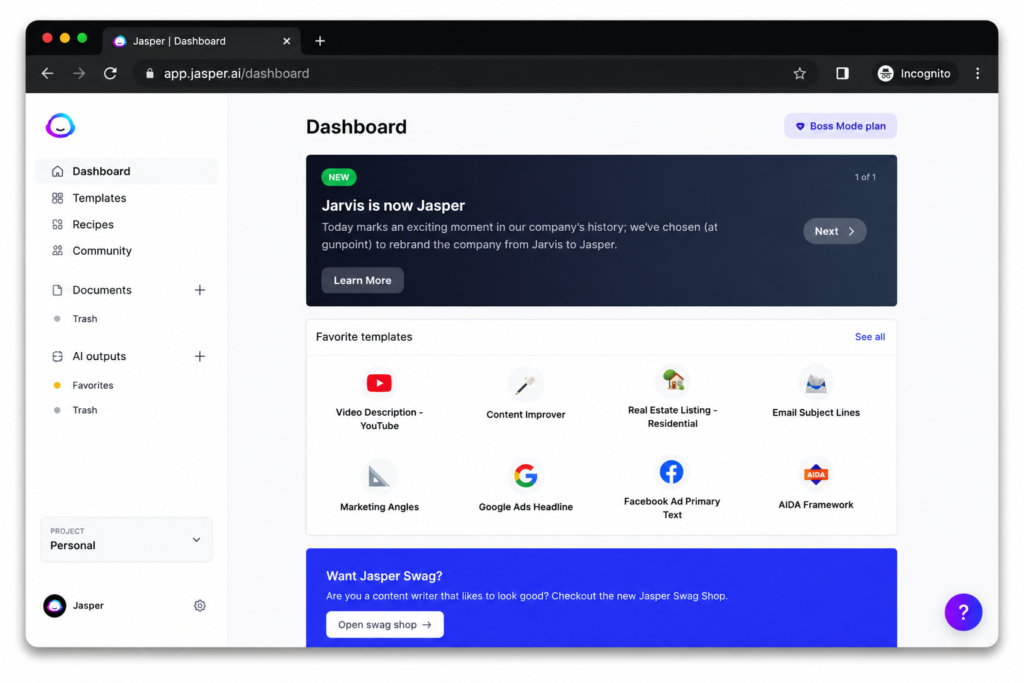
Agencies producing marketing copy across multiple brands need consistency at scale — that’s Jasper’s real value. We generated 50 Facebook ad variations in about an hour, but almost every one still needed a human pass to sound persuasive.
- Best for: Agencies needing a locked brand voice at scale.
- Tech friction: 3/10
- Breakdown score: Speed 9 · Task success 5 · Consistency 8 → 7/10
- Lowest paid plan: Pro — $39/month
9. Canva AI – Best Artificial Intelligence App for Design
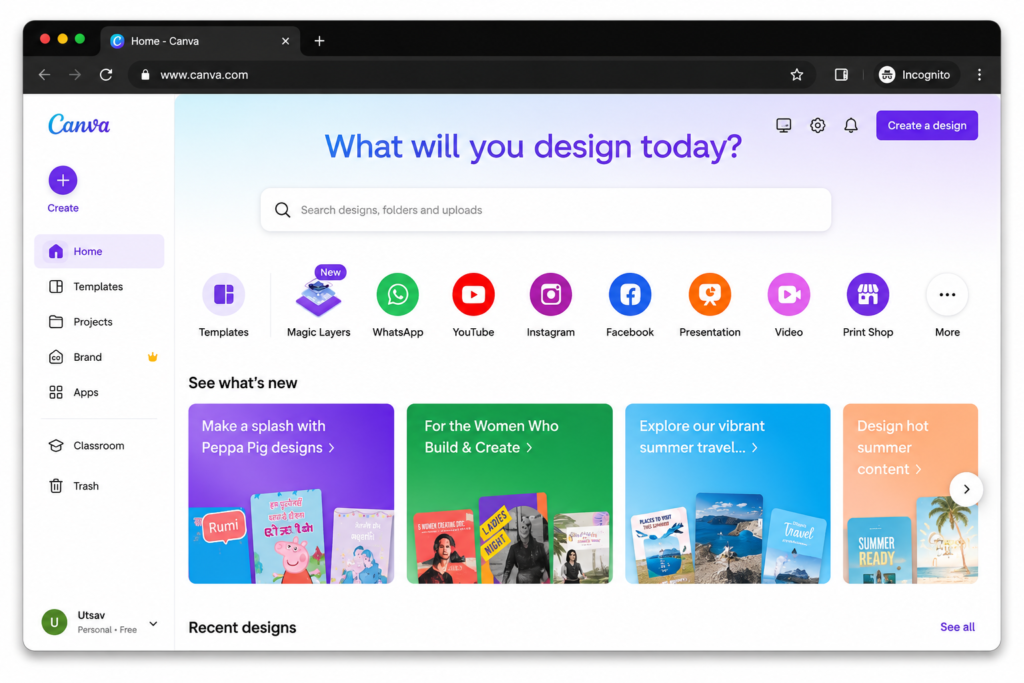
Canva’s Magic Studio turns a text prompt into a usable social graphic, no design background needed. Magic Resize was the standout — converting a landscape thumbnail into a vertical Reels layout took one click. The built-in AI image generator is convenient but clearly less detailed than a dedicated tool like Midjourney.
- Best for: Small businesses needing decent graphics fast.
- Tech friction: 1/10
- Breakdown score: Speed 10 · Task success 6 · Consistency 9 → 8/10
- Lowest paid plan: Pro — $14.99/month
10. Synthesia – Best Artificial Intelligence App for Video Creation
Synthesia creates AI videos from simple scripts in just a few minutes.
Moreover, teams can publish training videos without hiring actors.
However, every script change requires another render, which slows revisions.
- Best for: HR teams updating explainer videos without a production crew.
- Tech friction: 3/10
- Breakdown score: Speed 7 · Task success 9 · Consistency 8 → 8/10
- Lowest paid plan: Starter — $18/month
11. ElevenLabs – Best Artificial Intelligence App for Voice Generation
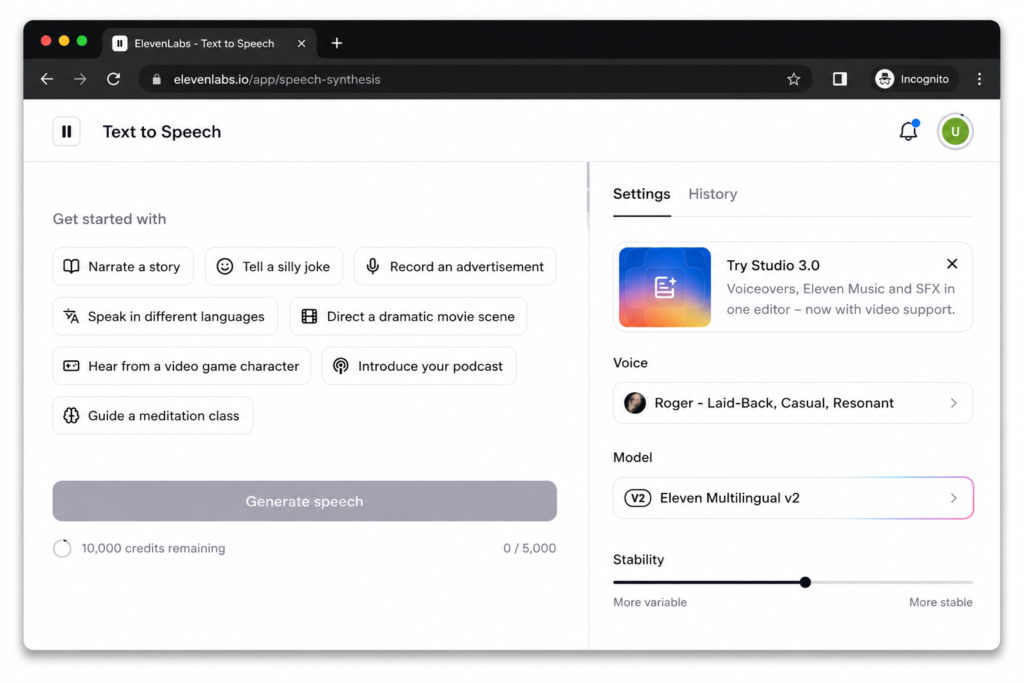
ElevenLabs creates realistic AI voiceovers directly from your browser.
Moreover, voice cloning sounds natural for most projects.
However, long exports can quickly consume your monthly credits.
- Best for: Creators needing studio-quality voiceovers without a studio.
- Tech friction: 2/10
- Breakdown score: Speed 9 · Task success 9 · Consistency 6 → 8/10
- Lowest paid plan: Starter — $6/month
12. Top AI Editing App: Descript
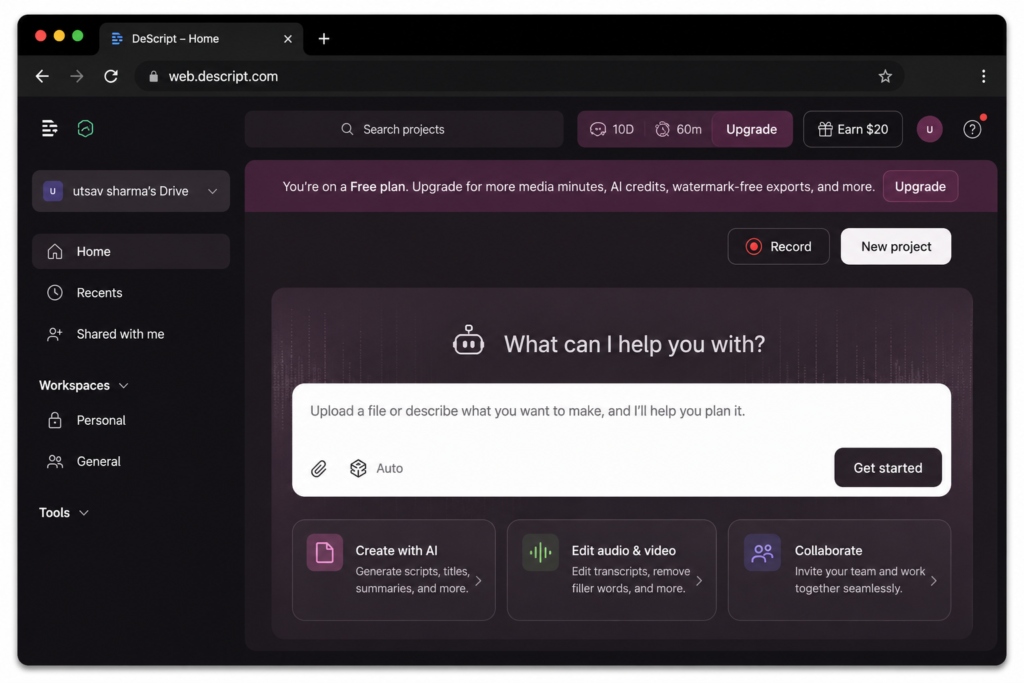
Descript lets you edit audio and video through a text transcript instead of a timeline. Cutting filler words from a one-hour podcast took less time than making a coffee. The catch: Studio Sound and 4K export drain your monthly allowance fast.
2026 Price Comparison at a Glance
| Tool | Lowest Paid Plan | Price (USD/month) |
| ElevenLabs | Starter | $6.00 |
| Notion AI | Plus | $10.00 per seat |
| Grammarly | Pro | $12.00 |
| Canva AI | Pro | $14.99 |
| Descript | Hobbyist | $16.00 |
| Synthesia | Starter | $18.00 |
| Perplexity AI | Pro | $20.00 |
| ChatGPT | Plus | $20.00 |
| Claude | Pro | $20.00 |
| Zapier | Starter | $24.99 |
| Jasper AI | Pro | $39.00 |
| Lindy | Plus | $49.99 |
Prices reflect baseline monthly plans as of testing. Free tiers and limits change without notice — check each tool’s official pricing page before you buy.
You don’t need all 12 running at once. Pick the single biggest bottleneck in your current process, run its free tier for a week, and only upgrade once you actually hit the ceiling — not before.
If you’re running a business instead of using AI casually, see our Best AI Tools for Small Businesses in 2026.
That’s the full list from four months of real testing. If you’re just getting started, pick one tool that solves the problem costing you the most time right now, and build outward from there.
Watch the 60-Second AI Tools Overview
Short on time? Watch this quick overview to see the AI tools we tested, the key takeaways, and which platforms delivered the best results in 2026.
Want the complete analysis? Continue reading below for detailed comparisons, pricing, strengths, and real-world testing results.
Continue Exploring AI Tools
Looking for more AI tools, in-depth reviews, and side-by-side comparisons? Explore our latest guides to find the right solutions for your business, content creation, and productivity.
Have Questions About These Tools?
Reach out and we’ll help you pick the right one for your business.